See your physique change, not just the number on the scale
Body Progress by MoveMate works right in ChatGPT and Claude. Your progress photos are compared pose by pose, and the AI explains what changed: where you got leaner, where you grew and what to train next.


Begin with the progress photos already in your camera roll.
★★★★★5★ reviews of the MoveMate app on the App StoreFree to use · iPhone and Android
Illustration
- 01See the change
- 02Understand it
- 03Know what to train next
Picked from App Store reviews
★★★★★5★ reviews of the MoveMate app on the App Store
“One of the best apps I’ve tried”
bluefish185
App Store · United States · 5★
“It’s like having a personal trainer in your pocket.”
Kolobokxxx
App Store · Ukraine · 5★
“Clean UI and smart AI workout recommendations.”
vitalii_du
App Store · Ukraine · 5★
01 / See the change
Compare your progress photos side by side, in the same pose
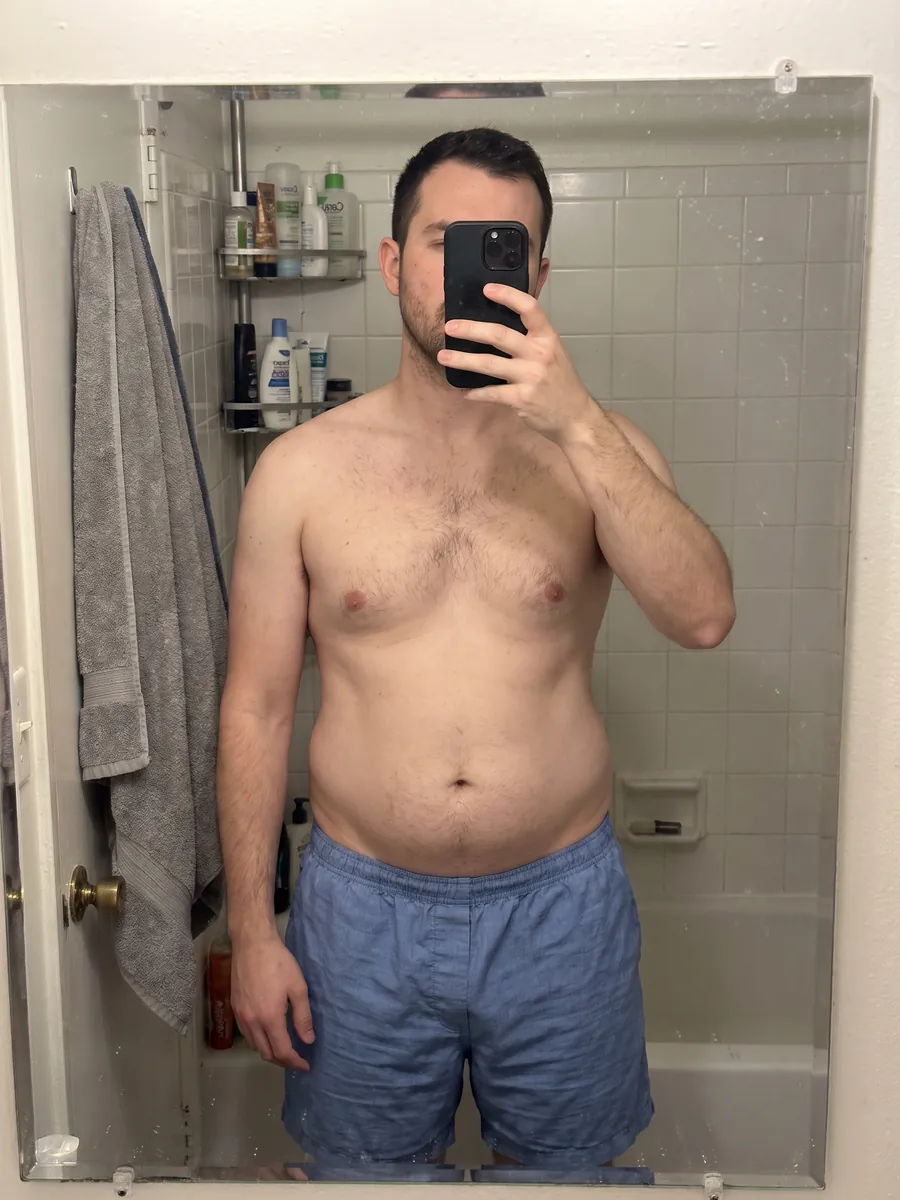
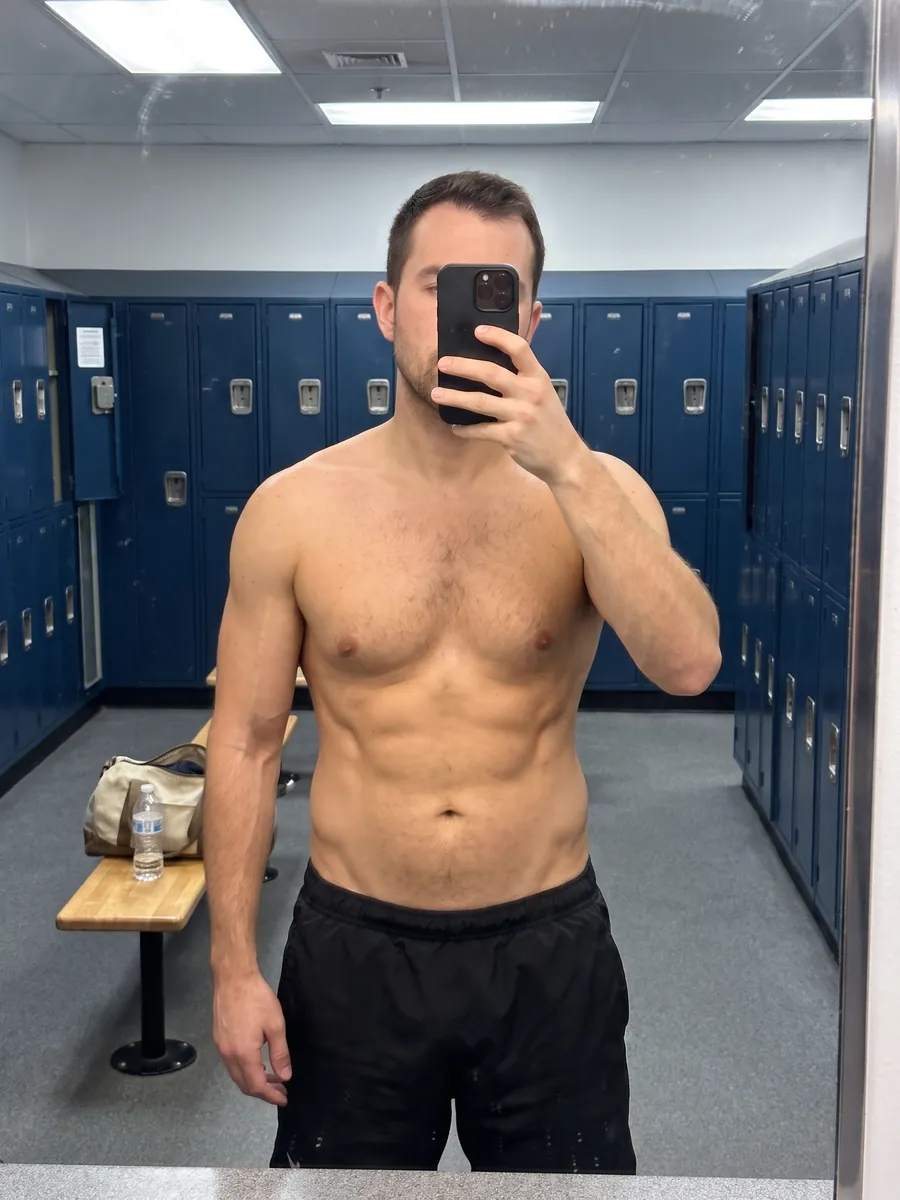
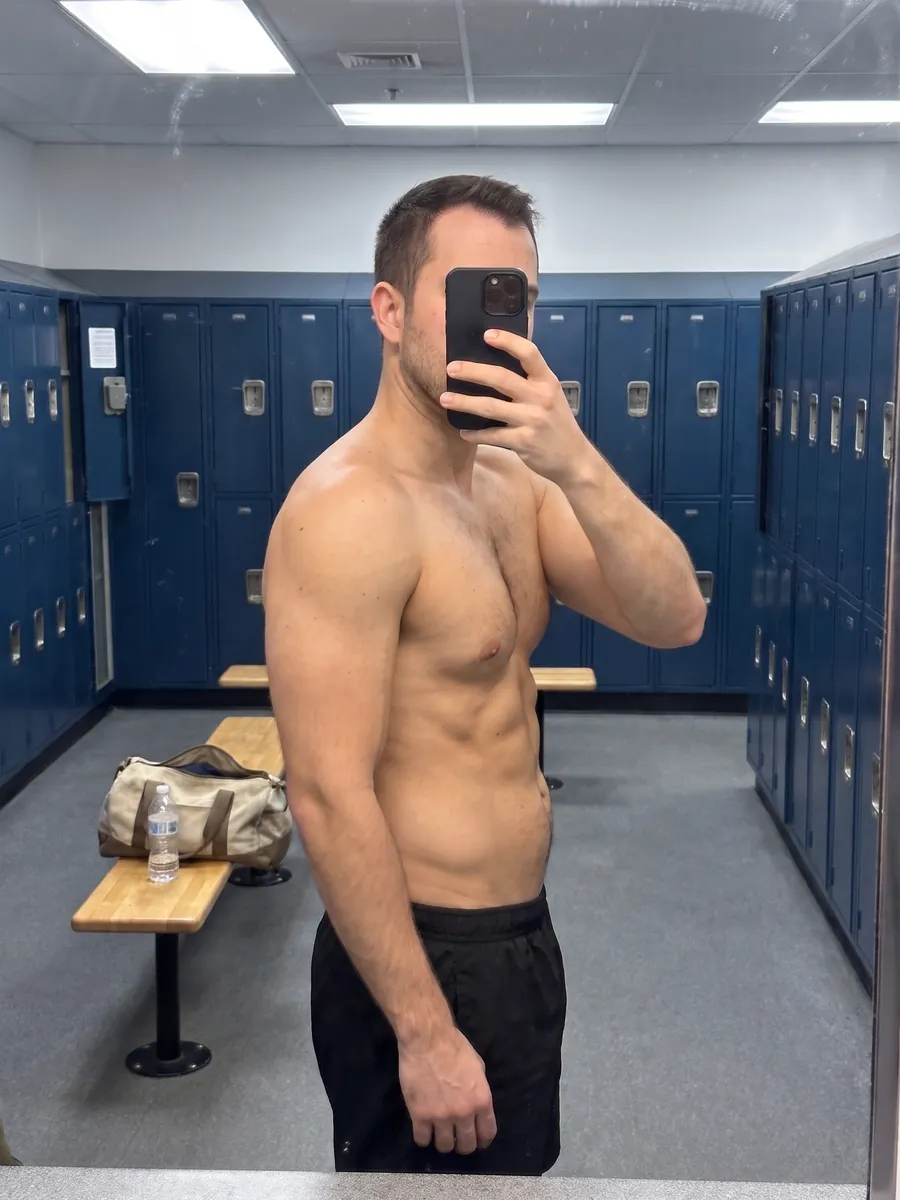
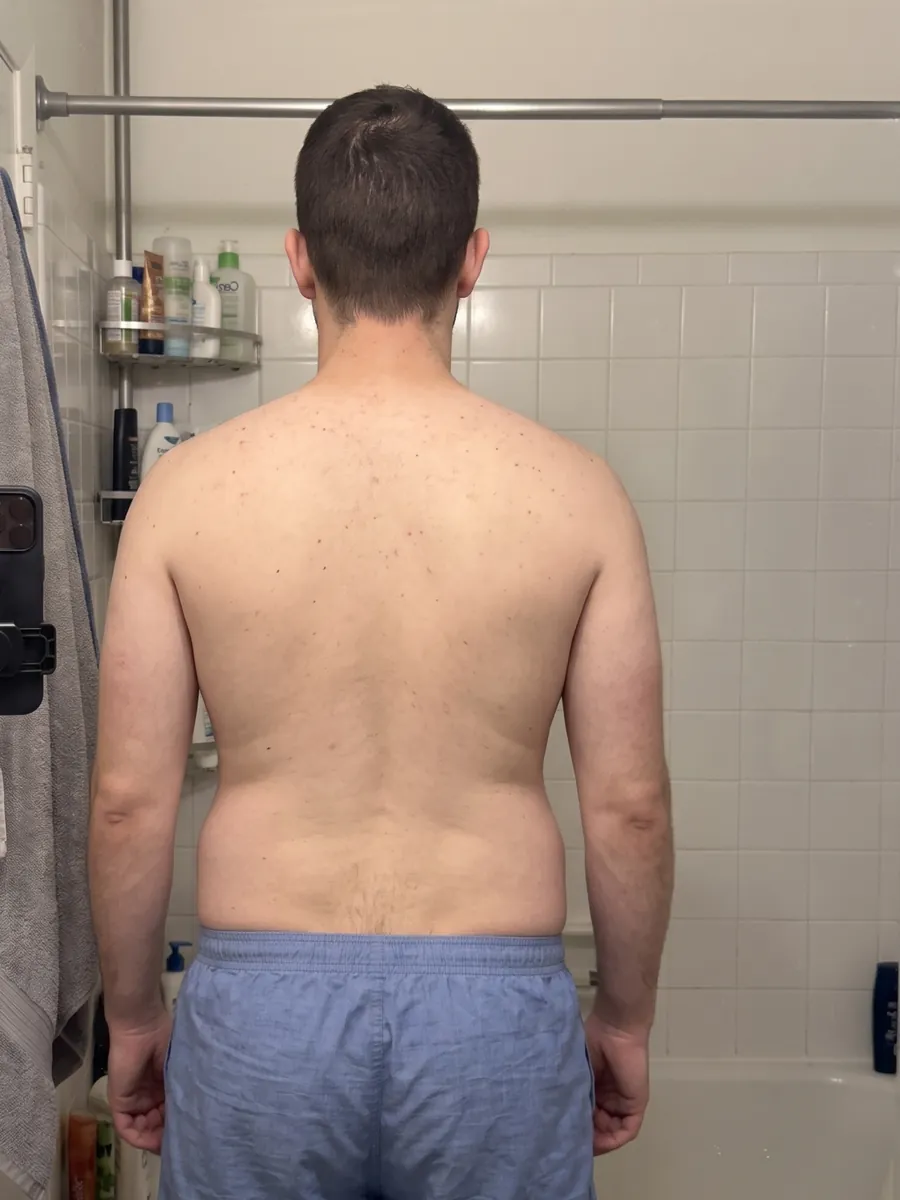
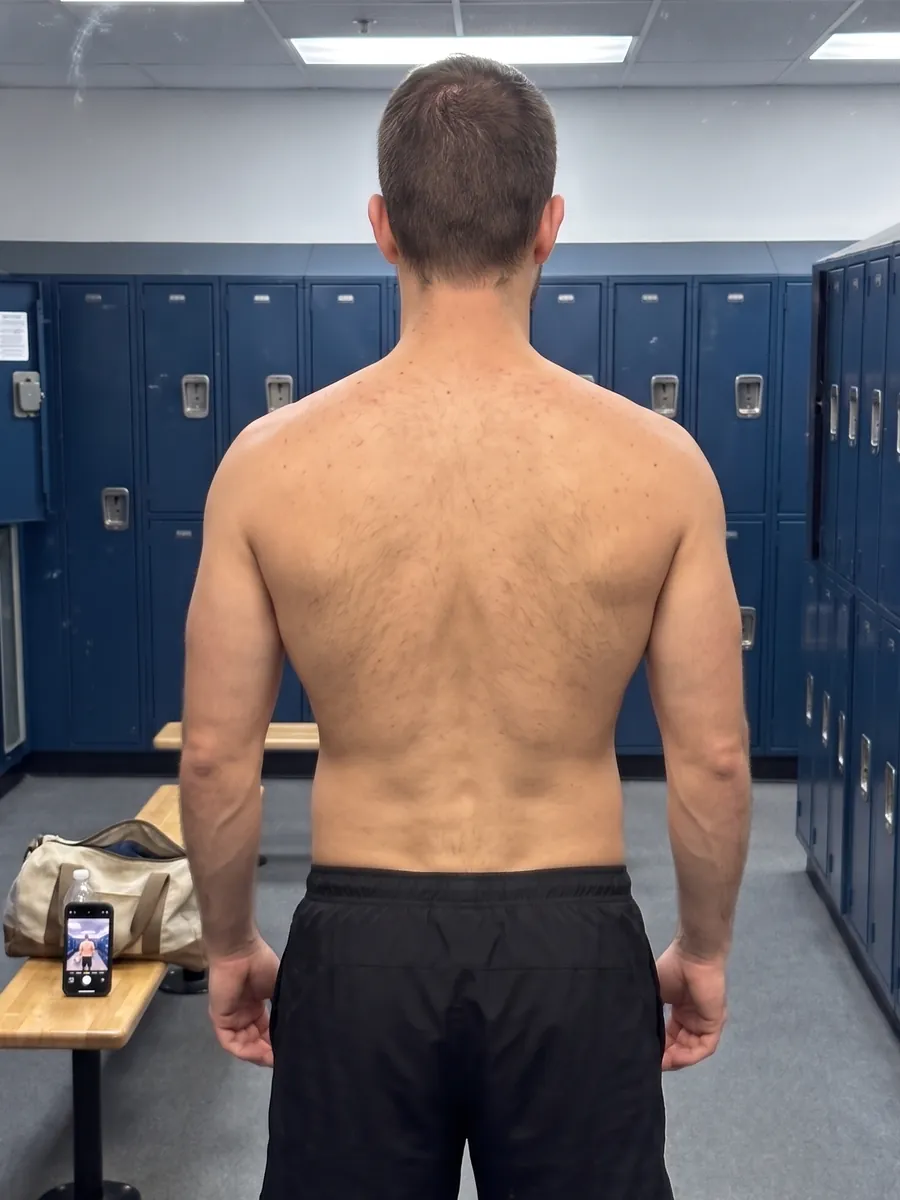
Start with the photos you already took. Here two front check-ins from one history show a change that is easier to spot side by side. Then the physique read explains it.
The pair shown
January 2026 → November 2026
Same pose, two moments from one photo history.
 Side
 Back
Illustration
Start with the photos you already have
From your camera roll to a timeline in a minute
Months of progress photos sitting in your gallery? Send them all at once. Body Progress sorts them by pose and by the date each photo was taken, and your transformation timeline is ready right away. No retakes, no starting from zero.
BeforeAfterIllustration
Same-pose compare
Drag the slider between before and after
Front, side and back each line up the same way, in the app and in the chat. Try the slider.
02 / Understand it · Physique read
See where you got leaner and which muscles grew
The read looks at the same two check-ins and points out what moved: estimated body fat, a physique score, and the muscle groups that improved or lag.
From this read
“You are leaning out and keeping your size.”
The read names the abs as the clearest change.
AI observation on the pair shown.
Body fat estimate
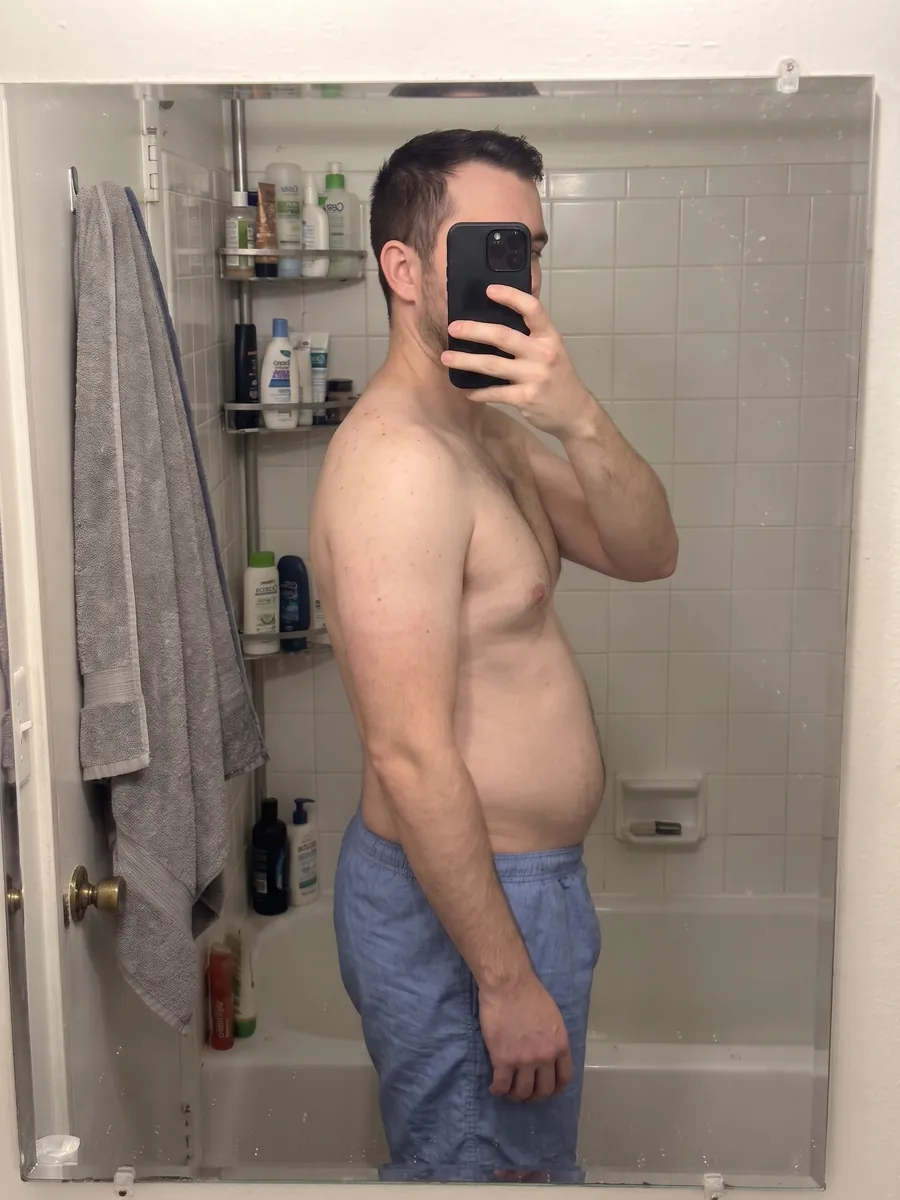
A body fat estimate from a front and a side photo
Add a front and a side photo for a body-fat range, then follow it next to your check-ins.
A visual estimate, not a medical measurement.
03 / Know what to train next
Your next workouts target the muscles that lag
Seeing the change is step one. Add the lagging muscle groups to your training focus and MoveMate builds your next workouts around them. Ask about your progress right in ChatGPT or Claude.
A question about the same photo history
“What should I train more?”
Hamstrings and calves.
They score lowest in the latest read. One tap adds them to your training focus, and your next MoveMate workouts give them more work.
A good follow-up: “Compare my side photos from January with today.”
The answer uses the latest read. The follow-up is a suggested question.
More to ask in the chat
- “Compare my front photos from September with today”
- “What should I focus on in the gym?”
- “Am I on track for 78 kg by March?”
- “Log my check-in: 82.4 kg, waist 86 cm”
- “Here are my old progress photos”
Goal plan
A goal with a checkpoint 12 weeks out
Pick a goal and a 12-week checkpoint, then use same-pose check-ins to watch your physique move toward it.
Weekly review
A summary of your week every Monday
Every Monday, a short summary of last week’s check-ins, weight and workouts, and what to focus on next.
Your turn
Start with the photos already in your camera roll
Add a check-in, compare your progress and ask what to train next.
Your photos stay private in your account.
Get the MoveMate app
Free to use · iPhone and Android
How to connect
Body Progress is a remote MCP server. You sign in with your MoveMate account, no API key needed.
Server URL
https://body.movemate.app/mcpClaude
Settings → Connectors → Add custom connector, then paste the server URL.
- 01ConnectAdd Body Progress to ChatGPT or Claude and sign in with your MoveMate account. About a minute, no API key.
- 02Add photos or check inDrop in your old progress photos, or take today’s front, side and back. Add your weight and waist if you like.
- 03Compare and get your readSlide between any two dates in the same pose, then ask for a physique read: body fat range, 12 muscle groups and what to train next.
Works where you already chat
Works in ChatGPT and Claude
Send photos in the chat, compare check-ins and ask questions in plain words. Every check-in also shows up in the Body tab of the MoveMate app.
Weight, measurements and workouts stay in the picture too, with Apple Health and Health Connect sync.
Apple Health · Health Connect
Timelapse, share cards, photo lock and measurements
Replay your check-ins, share the change you are proud of, and keep everything else private.
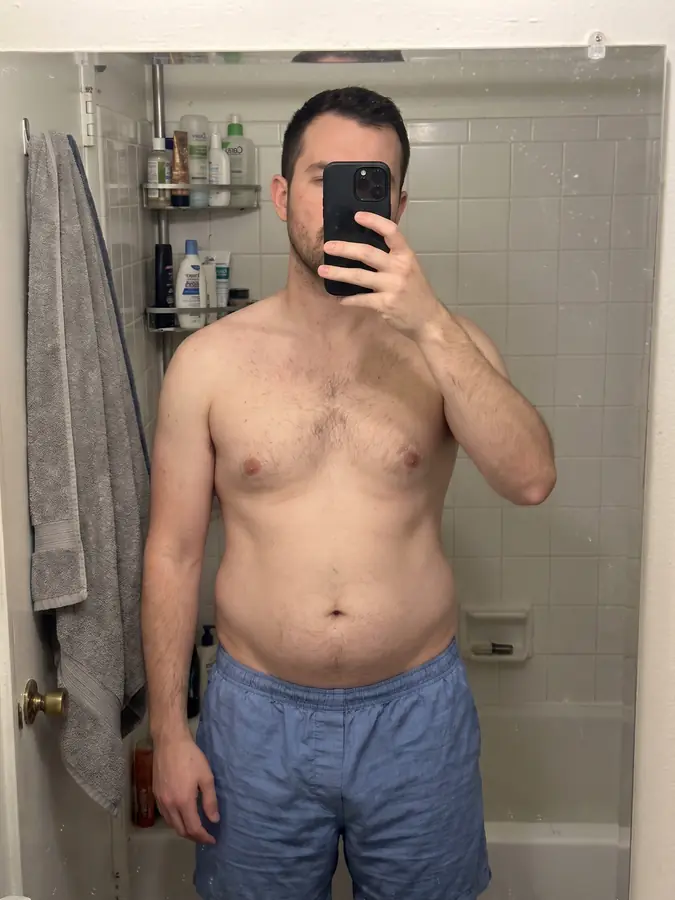
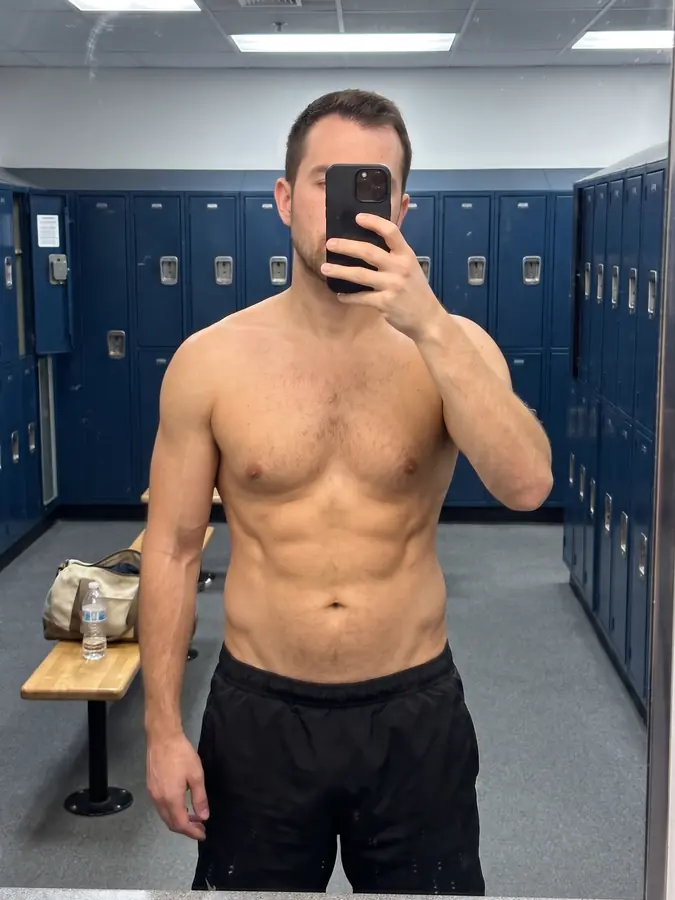 November
Timelapse
Replay your progress, check-in by check-in.
Play every check-in in the same pose as a short video. Part of MoveMate Pro.
- 301 · −11.6 kgMoveMate
Share cards
Turn a before and after into a card.
Pick two dates, hide the numbers or keep faces blurred, then save or share. Nothing is public unless you share it.
- Face ID
Photo lock
Keep your photos behind Face ID.
Lock the Body tab in the app and hide its previews in the app switcher.
- −11.6 kg
82.6 kg
January 2026 → November 2026
Weight and measurements
Log weight and waist, with reminders.
A 7-day weight trend, measurements in cm or inches, and a nudge every week, two weeks or month.
Change you can see
Same pose, same light, weeks apart. The only thing that changes is the body.
84 days
Illustration120 days
Illustration180 days
Illustration
Start here, too
Free tools
Try them in your browser, no account needed.
- FFMI calculatorFat-free mass index tells you how much lean mass you carry for your height. Enter your weight, height and body fat percentage to get your FFMI, the version normalized to 1.80 m and what the number means.Try it
- Macro calculatorGet daily protein, fat and carbohydrate targets for your goal. The calculator estimates your maintenance calories from age, height, weight and activity, adjusts them for a cut or a lean bulk and splits the result into grams.Try it
- Before and after photo comparisonPut two progress photos next to each other and see what changed. Drag the slider, switch to side by side, add dates and download the result as one image. Everything runs in your browser.Try it
- Progress photo timelapse makerTurn your progress photos into a short timelapse. Pick 3 to 30 photos, check the order, choose the speed and export a video file. All of it happens in your browser, nothing is uploaded.Try it
Guides
How to measure, photograph and read your progress.
- How often to take progress photosHow often to take progress photos for fat loss, muscle gain or recomp, a repeatable check-in routine, and which changes become visible when.Read the guide
- How to measure body fat at homeTape, calipers, smart scales, photos and DEXA: what each body fat method is good for, how far off it can be, and why consistency matters most.Read the guide
- What is body recomposition?Body recomposition means losing fat and gaining muscle at the same time. Who it works for, the signs it is happening and how to track it properly.Read the guide
Body Progress is part of MoveMate, the workout tracker
Body Progress is built by the team behind the MoveMate app. One account: your photos and reads sit right next to your training.
Why not just the camera roll or the scale?
Both tell you something. Neither tells you what changed, or what to do about it.
| Camera roll | Scale only | Body Progress | |
|---|---|---|---|
| Same-pose comparison | Partly | No | Yes |
| Photos aligned side by side | No | No | Yes |
| Body-fat estimate | No | Partly | Yes |
| Muscle groups scored | No | No | Yes |
| Trend and goal | No | Partly | Yes |
| Private, apart from your other photos | No | Yes | Yes |
| Works in your AI chat | No | No | Yes |
Your photos stay private in your account
Photos are stored privately under your account and are never public unless you share a card. They go to the AI model only for the photo check and the read. Delete everything at any time.
Questions
Is Body Progress free, and what does MoveMate Pro add?
It is free to start: unlimited measurements, charts, summaries, your weight goal, reminders and export, plus 25 progress photos and 1 AI physique read per month. MoveMate Pro adds unlimited photos, the timelapse and more reads.
Is the physique read a medical measurement?
No. It is a visual estimate of body fat and 12 muscle groups, compared with your previous check-in. It is not a medical measurement.
How do I take photos that compare well?
Use the same light, the same place, the same distance and the same time of day, and hold the same pose. Put the camera at about navel height and use the timer.
Are my progress photos private?
Yes. They are private to you and are never shown to other people. Photos with nudity, or of anyone who may be under 18, are refused. You can export or delete anything at any time, and your data is never sold or used for advertising.
Does it work with the MoveMate app?
Yes, it is the same account. A check-in made in the chat shows up in the Body tab of the MoveMate app, and the other way around.
How do I connect it?
Add the server URL https://body.movemate.app/mcp to your assistant. In Claude go to Settings → Connectors → Add custom connector and paste it. See the How to connect section above.
You train hard — now see what it changes in the mirror
Free to start on iPhone and Android, in ChatGPT and Claude.
Body Progress in ChatGPT & Claude
Connect