How to take progress photos
How to take progress photos you can actually compare
Progress photos only work when the only thing that changes is your body. Here is the setup, the poses and the schedule that make two photos taken weeks apart comparable.


Free to use · iPhone and Android
Example
Set up the same shot every time
- Light: one window or one lamp, from the same side each time. Avoid mixed light and overhead spotlights.
- Background: a plain wall with nothing around you.
- Distance: mark a spot on the floor and stand on it, 2 to 3 metres from the camera.
- Camera height: around navel height, level, on a tripod or a shelf.
- Timer: use a 10-second timer instead of holding the phone.
- Time of day: the same, ideally in the morning before you eat.
The poses
- Front, relaxed: arms at your sides, shoulders down.
- Side, relaxed: the same stance, turned 90 degrees.
- Back, relaxed: the same stance, facing away.
- Optional flex poses: front double biceps, side chest, back double biceps.
- Clothing: the same fitted shorts every time.
How often to take them
Every 2 to 4 weeks is enough. Muscle and fat change slowly, and photos taken every few days mostly show water, lighting and posture. Weigh yourself more often if you like, but let the photos set the pace.
How Body Progress compares them
Send the photos in the chat and they are saved as a check-in with your weight and measurements. Body Progress lines up the same pose from two dates in a before/after slider, and on request the AI describes what changed. Timelapse of all your check-ins is part of MoveMate Pro.
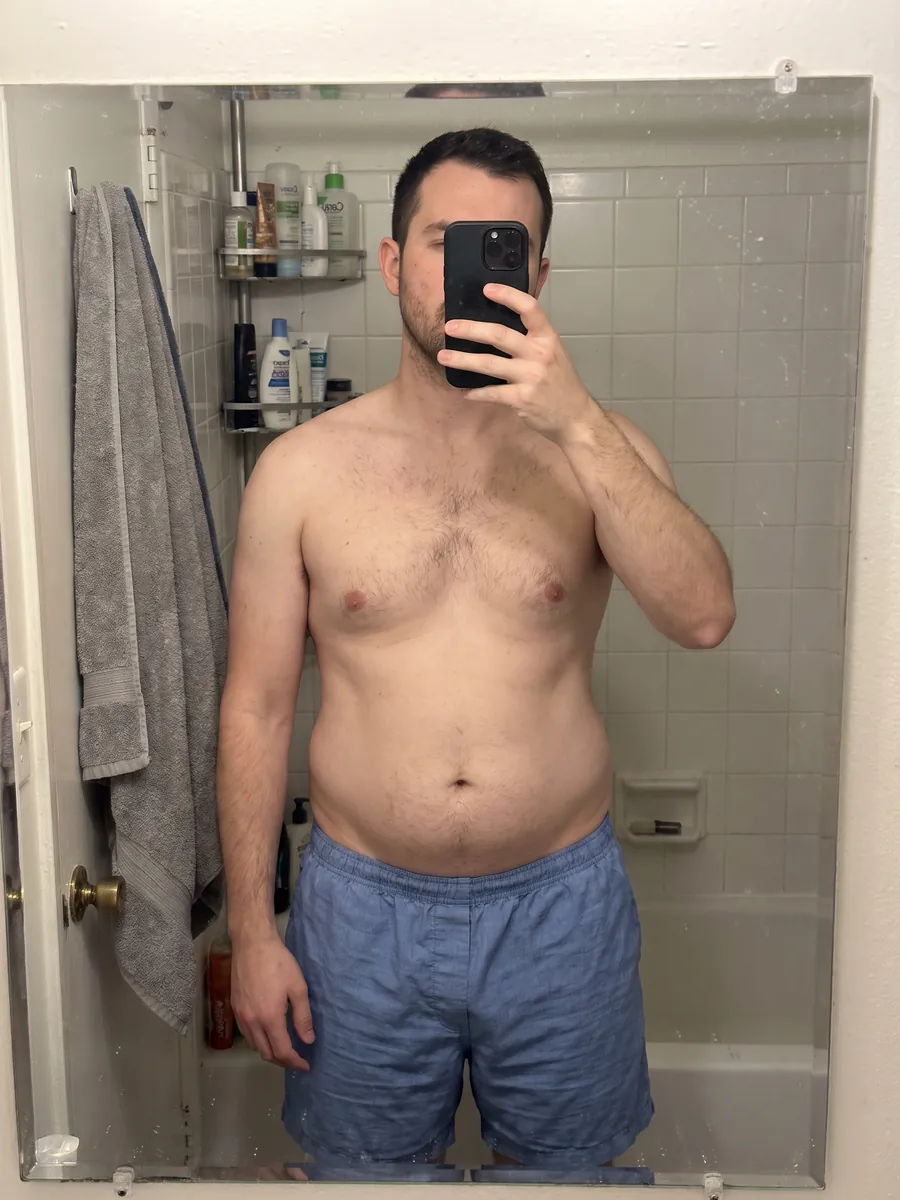
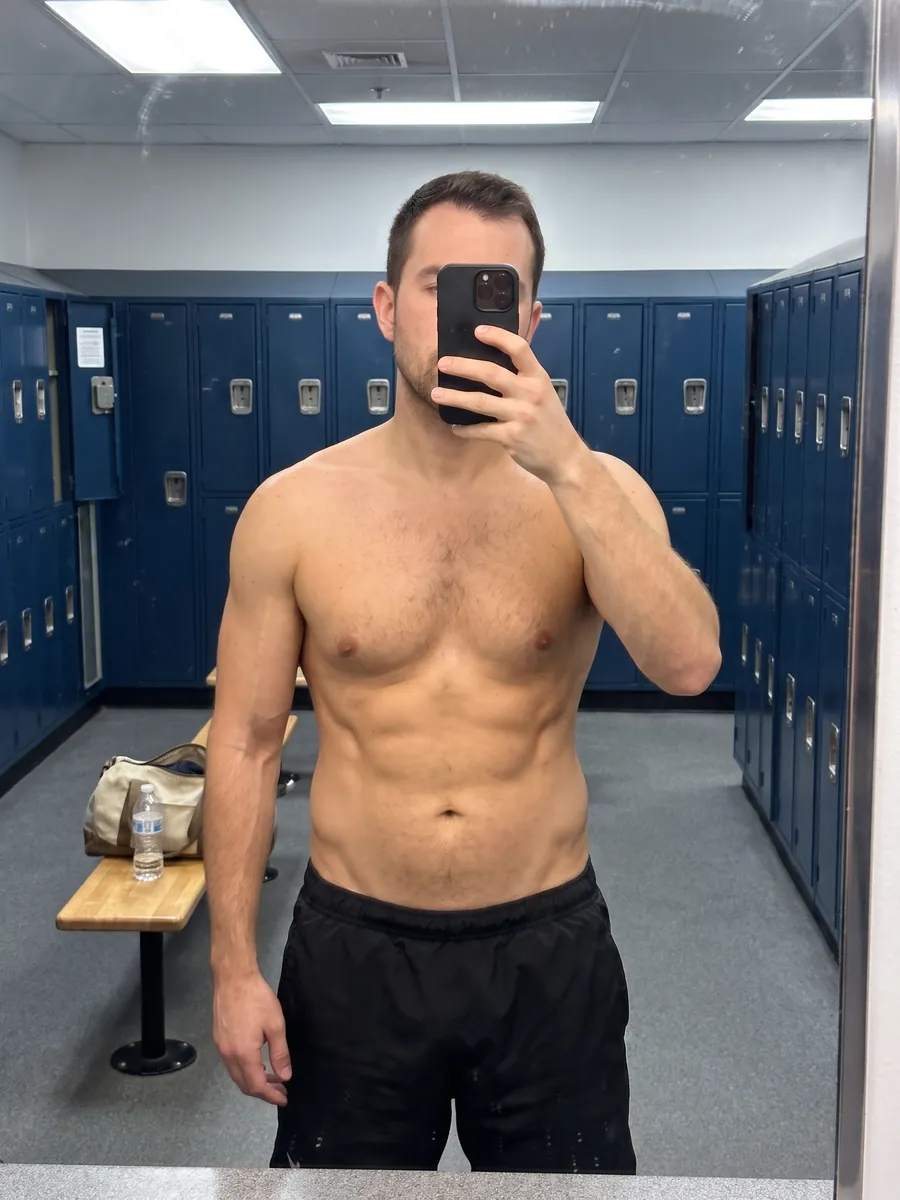 BeforeAfter
Illustration
How to connect
Body Progress is a remote MCP server. You sign in with your MoveMate account, no API key needed.
Server URL
https://body.movemate.app/mcpClaude
Settings → Connectors → Add custom connector, then paste the server URL.
Free tools
Try them in your browser, no account needed.
- Before and after photo comparisonPut two progress photos next to each other and see what changed. Drag the slider, switch to side by side, add dates and download the result as one image. Everything runs in your browser.
- Progress photo timelapse makerTurn your progress photos into a short timelapse. Pick 3 to 30 photos, check the order, choose the speed and export a video file. All of it happens in your browser, nothing is uploaded.
Questions
- How often should I take progress photos?
- Every 2 to 4 weeks. More often mostly adds noise.
- Morning or evening?
- Either works, as long as it is the same time every time. Morning before eating is the easiest to repeat.
- Do I need a mirror?
- No. A phone on a tripod or a shelf with the timer on gives more consistent photos than a mirror selfie.
- Are flex poses required?
- No. Front, side and back relaxed are enough. Flex poses are optional, for when you want to see muscle shape.
- Are my photos private?
- Yes. They are private to you and are never shown to other people. Photos with nudity, or of anyone who may be under 18, are refused. You can export or delete anything at any time.
Take your first check-in
Send your photos in the chat. The same check-in shows up in the Body tab of the MoveMate app.
Free to use · iPhone and Android